
A first look at setting up an Amerikano table
Understand the play-mode, table and score screens shown in the app.
Get the app first
Amerikano is available on iOS and Android. Use the official App Store and Google Play links on the product page to download it. This guide walks through the main screens and is not a complete rulebook.
Choose the play mode and review the table
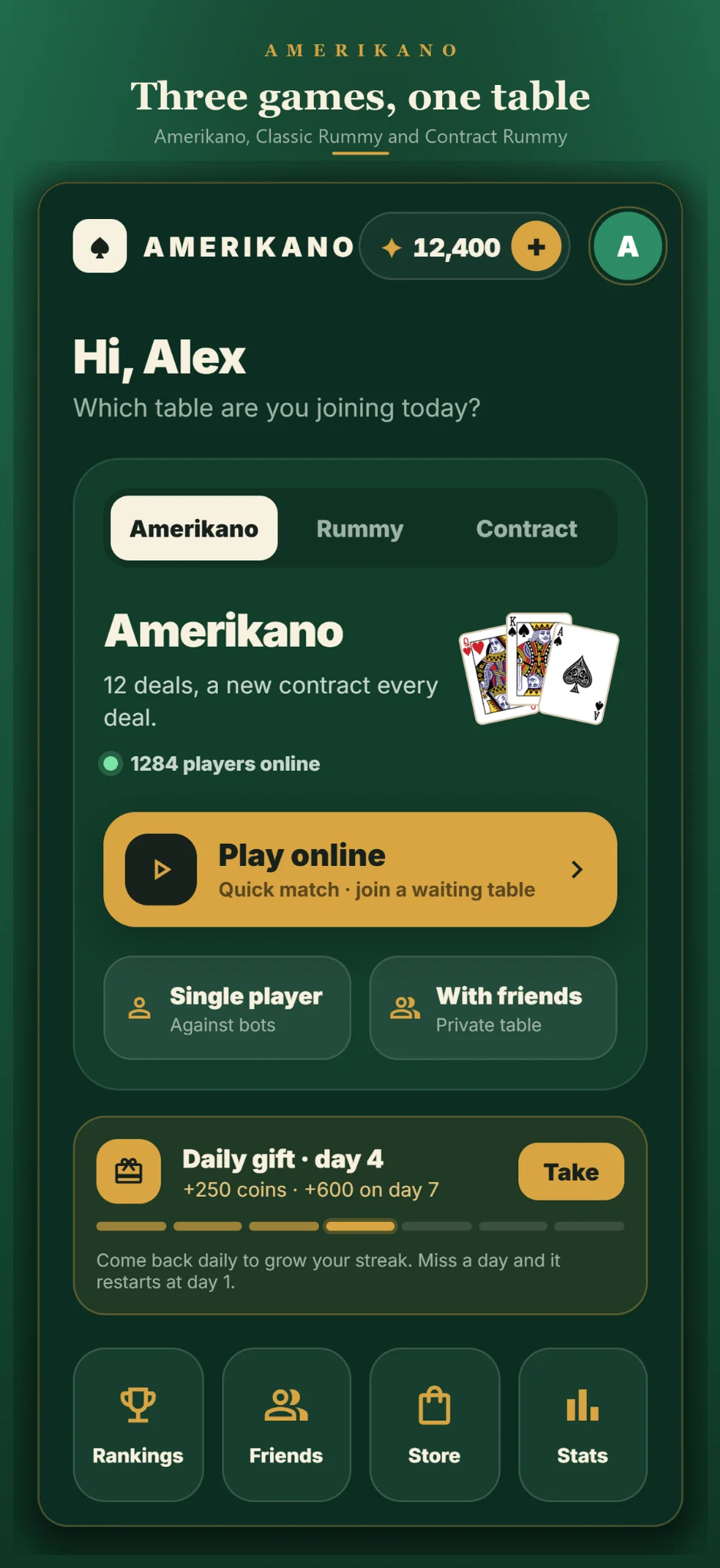
The home preview shows single-player and multiplayer options. The table-setup preview includes mode, player-count and bot-difficulty controls. Review the selected settings before starting instead of assuming every table has the same configuration.
Read the hand and combinations
The gameplay screens show the player’s hand, draw piles and combinations laid out on the table. The round preview also displays a required set. Exact opening requirements and scoring should be checked in the selected game mode; this preview is not a complete rulebook.
Use the score screen to follow the round
The end-of-hand preview brings rankings and remaining cards into one view. Compare it with the table settings and the next-round prompt to understand the flow shown by the product screenshots.